



COMMUNITY PAGE
Run Wan 2.2 on Floyo
Home / Model / Wan 2.2 on Floyo
AI VIDEO GENERATION
Run Wan 2.2 on Floyo
The first open-source video generation model with Mixture-of-Experts architecture. Cinematic-grade text-to-video, image-to-video, character replacement, and video restyling. Apache 2.0 licensed.
Run Alibaba's Wan 2.2 through ComfyUI in your browser. No API key, no installs, no local GPU.
|
Architecture MoE (Mixture-of-Experts) |
Resolution Up to 720p (1280x720) |
|
Models T2V-A14B / I2V-A14B / TI2V-5B |
License Apache 2.0 |
| Try Wan 2.2 Now → | Browse All Models |
No installation. Runs in browser. Updated April 2026.



What you get?
What You Get
Wan 2.2 is Alibaba's open-source video generation model family, released July 2025. It is the first video generation model built on Mixture-of-Experts (MoE) architecture. The series includes a 14B MoE text-to-video model, a 14B MoE image-to-video model, and a 5B hybrid model that handles both tasks in one framework. Generates cinematic-grade 720p video at 30fps with precise control over lighting, camera angle, color tone, and composition. Over 5.4 million downloads across the Wan series. Available as ComfyUI nodes on Floyo with 7+ workflows.
WAN 2.2 WORKFLOWS ON FLOYO
Wan 2.2 14B Text to Video with LoRA
Wan 2.2 Animate Preprocess by Kijai
Wan 2.2 and Qwen for V2V Restyle
Wan 2.2 T2V Workflow with UnifiedRew
What is Wan 2.2?
Wan 2.2 is Alibaba's open-source video generation model, released on July 28, 2025. It is the first open-source video model built on Mixture-of-Experts (MoE) architecture. The series includes three models: Wan2.2-T2V-A14B (text-to-video, 14B MoE), Wan2.2-I2V-A14B (image-to-video, 14B MoE), and Wan2.2-TI2V-5B (hybrid text+image to video, 5B dense). All are released under Apache 2.0.
The MoE architecture is the key upgrade over Wan 2.1. Instead of running all parameters on every frame, the model routes different parts of the denoising process to specialized experts: high-noise experts handle the early, coarse generation stages, while low-noise experts handle the later, detail-refining stages. This produces cleaner, more cinematic output than running a single dense model through both phases.
The 14B models generate video at up to 720p (1280x720) at 30fps for up to 5 seconds per generation. The 5B hybrid model runs on a single consumer-grade GPU and generates 720p video in minutes. Both support LoRA personalization for style, character, and motion adaptation with as few as 10-20 training images.
Wan 2.2 gives creators precise control over cinematic dimensions: lighting, time of day, color tone, camera angle, frame size, composition, and focal length all respond to natural language prompts. On the Wan-Bench 2.0 benchmark, T2V-A14B outperforms several commercial video generators on motion quality, prompt accuracy, and visual fidelity.
On Floyo, Wan 2.2 runs through native ComfyUI nodes on H100 NVL GPUs. Seven pre-built workflows cover text-to-video, animation, video restyling with Qwen VLM, character replacement, face swapping, prop replacement, and LoRA-accelerated generation.
What are Wan 2.2's technical specifications?
Wan 2.2 uses a Mixture-of-Experts flow-matching architecture with separate high-noise and low-noise expert models. The 14B MoE models support text-to-video and image-to-video at up to 720p@30fps. The 5B hybrid model uses a high-compression 3D VAE (4x16x16 compression ratio) and handles both tasks in one framework. All models use the UMT5-XXL text encoder and Wan 2.1 VAE.
| Spec | Details |
|---|---|
| Developer | Alibaba (Tongyi/Wan AI) |
| Architecture | Mixture-of-Experts (MoE) flow-matching with high-noise and low-noise experts |
| T2V Model | Wan2.2-T2V-A14B (14B MoE, text-to-video) |
| I2V Model | Wan2.2-I2V-A14B (14B MoE, image-to-video) |
| Hybrid Model | Wan2.2-TI2V-5B (5B dense, text + image to video) |
| Resolution | Up to 720p (1280x720), also supports 480p |
| Frame Rate | 24-30fps (60fps with frame interpolation) |
| Duration | Up to 5 seconds per generation |
| Text Encoder | UMT5-XXL |
| VAE | Wan 2.1 VAE (shared across all variants) |
| 3D VAE (TI2V-5B) | 4x16x16 compression ratio (64x total compression) |
| Max Prompt | 512 tokens |
| LoRA Support | Yes (few-shot adaptation with 10-20 images, CausVid speed LoRAs) |
| Min VRAM (5B) | Consumer GPU (single card) |
| Min VRAM (14B FP8) | 16-24GB (RTX 4060 Ti / RTX 4090) |
| License | Apache 2.0 (full commercial rights) |
| ComfyUI Access | Native support on Floyo (7+ workflows) |
| Release Date | July 28, 2025 |
What can you create with Wan 2.2?
Wan 2.2 covers text-to-video generation, image-to-video animation, video restyling, character and face replacement, prop/object swapping, vertical video production, and LoRA-personalized generation. The Floyo workflows combine Wan 2.2 with Qwen VLM for intelligent video restyling and support both landscape and vertical (9:16) formats.
| Capability | What It Does | Use Case |
|---|---|---|
| Text-to-Video | Generate 720p cinematic video from text prompts with precise control over lighting, camera angle, color tone, and composition. | Short films, product demos, social content, marketing videos |
| Image-to-Video | Animate still images into cinematic video clips. Supports start frame, optional end frame, and motion control. | Photo animation, character turnarounds, product showcases |
| Video Restyling | Restyle existing video footage using Wan 2.2 + Qwen VLM. Transform the visual style while preserving motion and structure. | Style transfer, aesthetic adaptation, brand-specific looks |
| Character Replacement | Swap the character or face in a video while maintaining motion, outfit consistency, and scene continuity. | AI influencer content, talent replacement, personalized ads |
| Prop/Object Replacement | Replace props or objects in existing video footage. Swap a product, change a sign, or update a background element. | Product placement, localized ads, post-production fixes |
| Vertical Video | Dedicated workflows for 9:16 vertical video output. Character replacement and prop swapping in portrait format for mobile platforms. | TikTok, Instagram Reels, YouTube Shorts, social ads |
What are Wan 2.2's key features?
Wan 2.2's feature set centers on the MoE architecture upgrade and the production-ready workflows it enables. The dual-expert system produces cleaner video than single-model approaches. LoRA compatibility means you can personalize style and characters. Consumer GPU support for the 5B hybrid model makes it accessible outside enterprise infrastructure.
Mixture-of-Experts Architecture
Wan 2.2 is the first open-source video model with MoE architecture. It separates the denoising process into high-noise and low-noise expert models. The high-noise expert handles the early, coarse generation stages. The low-noise expert handles the later, detail-refining stages. This specialization produces cleaner, more cinematic output than running a single model through both phases.
Cinematic Control
Trained on curated aesthetic data, Wan 2.2 gives you precise control over cinematic dimensions through natural language. Describe lighting conditions, time of day, color grade, camera angle, frame size, composition, and focal length in your prompt. The model translates these into visual parameters, not just keywords.
LoRA Personalization
Wan 2.2 supports LoRA training for style, character, and motion adaptation. A "few-shot" pipeline lets you create custom LoRAs from as few as 10-20 images. Speed LoRAs like CausVid and LightX2V reduce generation time significantly (down to 3-6 total sampling steps) while maintaining quality. The Floyo workflows include LoRA support out of the box.
Consumer GPU Compatible (5B Model)
The TI2V-5B hybrid model runs on a single consumer GPU. It uses a high-compression 3D VAE with 64x total compression to fit within limited VRAM. You can generate 720p video in minutes on hardware like an RTX 4060 Ti. The 14B models run on 16-24GB GPUs in FP8 quantization. On Floyo, all models run on H100 NVL GPUs without hardware management.
Frame Interpolation
Generate at 24fps and interpolate to 60fps for smooth playback. The interpolation step adds in-between frames without regenerating from scratch, which significantly reduces total render time while maintaining motion smoothness. Multiple Floyo workflows include this step pre-configured.
Apache 2.0 License
Full commercial rights. All model weights, source code, and training details are open. You can deploy, modify, fine-tune, and build commercial products. The entire Wan series (2.1, 2.1-VACE, 2.2) follows the same license, giving you a consistent legal foundation across the ecosystem.
How does Wan 2.2 compare to other video models?
Wan 2.2 outperforms several commercial video generators on Wan-Bench 2.0 for motion quality and prompt accuracy. Its main advantage is the Apache 2.0 open-source license and MoE architecture. Wan 2.7 (released later) adds image generation, thinking mode, and 4K output. Seedance 2.0 leads on multi-modal input and native audio. Kling 3.0 offers 4K at 60fps as a commercial API.
| Model | Architecture | Resolution | Open Source | Consumer GPU |
|---|---|---|---|---|
| Wan 2.2 | MoE flow-matching | 720p | Yes (Apache 2.0) | Yes (5B model) |
| Wan 2.7 | DiT + thinking mode | Up to 4K | Partial | Limited |
| Seedance 2.0 | Dual-Branch DiT | 2K | No (API only) | No |
| Kling 3.0 | Proprietary | 4K at 60fps | No (API only) | No |
Source: Alibaba Wan2.2 official documentation, Wan-Bench 2.0 results, HuggingFace model cards, and third-party benchmark comparisons as of April 2026.
How does Wan 2.2 work?
Wan 2.2 uses a Mixture-of-Experts flow-matching architecture that splits the denoising process into two specialized phases. A high-noise expert model handles early generation (coarse structure, layout, motion planning). A low-noise expert model handles late generation (fine detail, texture, face clarity). Both expert models are loaded separately in ComfyUI and sampled sequentially.
The text encoder is UMT5-XXL, which processes prompts up to 512 tokens. The VAE is shared with Wan 2.1 for compatibility. For the 14B models, both high-noise and low-noise checkpoints are loaded as separate diffusion models. ComfyUI workflows use two samplers configured sequentially: one for the high-noise phase, one for the low-noise phase.
The 5B hybrid model (TI2V-5B) takes a different approach. It uses a dense architecture with a high-compression 3D VAE that achieves 4x16x16 spatiotemporal compression (64x total). This lets it handle both text-to-video and image-to-video in a single model that fits on consumer hardware. The trade-off is lower output quality compared to the 14B MoE models.
On Floyo, Wan 2.2 runs through native ComfyUI nodes on H100 NVL GPUs. The model weights are pre-loaded. You can chain Wan 2.2 with other nodes in the same workflow: generate video with Wan 2.2, restyle it with Qwen VLM, replace characters or props, upscale, add frame interpolation, and export. All in one pipeline.
Frequently Asked Questions
Common questions about running Wan 2.2 on Floyo.
You can start with Floyo's free pricing plan. To continue using the service beyond the free tier, upgrade your Floyo pricing plan. Wan 2.2 is open-source under Apache 2.0, so there is no additional API cost beyond your Floyo plan.
Open Floyo in your browser, search "Wan 2.2" in the template library, and pick a workflow. Click Run, write your prompt, and generate. Floyo handles the GPU, ComfyUI environment, and model weights. No local install, no Python setup.
Alibaba's Tongyi/Wan AI team. Wan 2.2 was released on July 28, 2025. It is the successor to Wan 2.1 (February 2025) and Wan 2.1-VACE (May 2025). The full Wan series has over 5.4 million downloads on HuggingFace and ModelScope.
Wan 2.2 introduced the MoE architecture for video generation at 720p. Wan 2.7 (released later) added image generation, thinking mode, 4K output, text rendering, and reference-based generation. Wan 2.2 is fully open-source with a mature ComfyUI ecosystem. Both are available on Floyo and can be used in the same pipeline.
Yes. Wan 2.2 supports LoRA for style, character, and motion personalization. CausVid and LightX2V speed LoRAs reduce sampling to 3-6 steps while maintaining quality. Custom LoRAs can be trained from 10-20 images. The Floyo workflow "Wan 2.2 14B Text to Video with LoRA" includes LoRA support pre-configured.
Yes. Floyo runs ComfyUI, which lets you chain multiple models. Generate video with Wan 2.2, restyle it with Qwen VLM, replace characters or faces, add narration with Fish Audio S2, and upscale. Several Floyo workflows already combine Wan 2.2 with Qwen for V2V restyling.
Yes. Wan 2.2 is released under the Apache 2.0 license, which grants full commercial usage rights. You can use generated videos in products, marketing, client work, and any other commercial context without additional licensing.
Yes. Floyo has dedicated vertical video workflows for Wan 2.2 in 9:16 format for TikTok, Instagram Reels, and YouTube Shorts. The "Vertical Video Character Face Actor Replacement" and "Vertical Video Prop Object Replacement" workflows are built for portrait-format content production.
Try Wan 2.2 on Floyo
Open-source MoE video generation with cinematic control, LoRA support, character replacement, and vertical video. Run it in your browser.
| Try Wan 2.2 Now → | Browse All Models |
Related Reading
Film and Animation Workflows on Floyo
Vertical Video Production on Floyo
Last updated: April 2026. Specs from Alibaba Wan2.2 official documentation, Alibaba Cloud press release, HuggingFace model cards, Wan-Bench 2.0 results, ComfyUI native workflow docs, and Civitai community benchmarks.
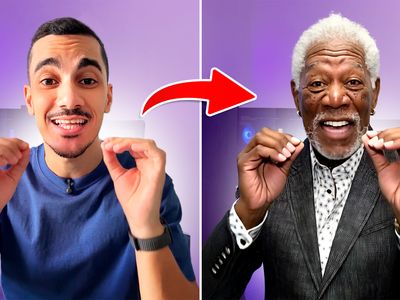

Wan 2.2 Animate Preprocess by Kijai (MDMZ Edition)
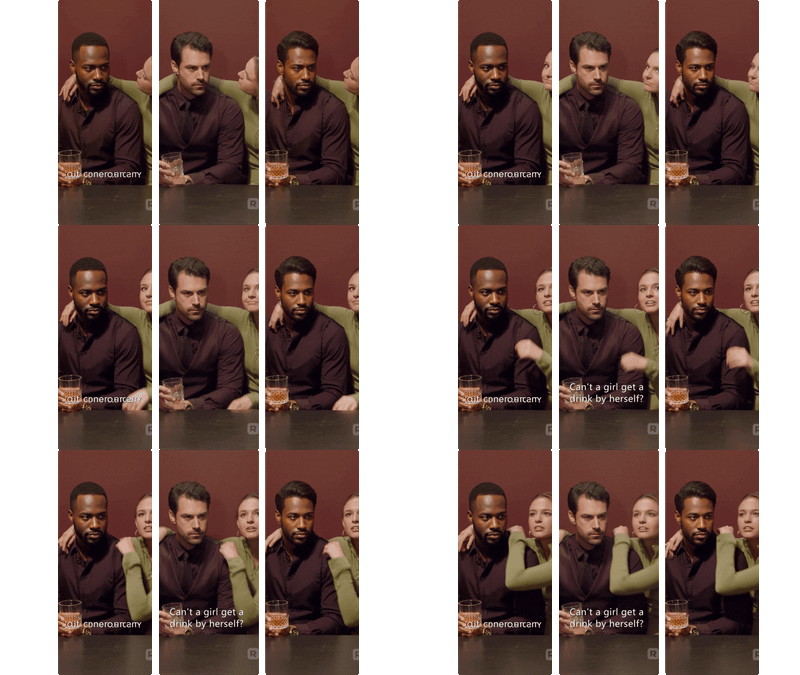

floyoofficial
1.9k
character replacement
character swap
image to video
LoRAs
masking
Points Editor
vertical video
Video
Wan2.2 Animate
WanAnimateToVideo
Vertical Video Character Face & Actor Swap (Wan 2.2 Animate)
%20(1)_1772692256095.webp?width=400&height=300&quality=80&resize=contain&format=origin)

nikhil07
1.6k
Animate
Image
LoRAs
Qwen
Video
Video2Video
Wan
Create a new video by restyling an existing video with a reference image.
Wan 2.2 and Qwen for V2V Restyle
Create a new video by restyling an existing video with a reference image.
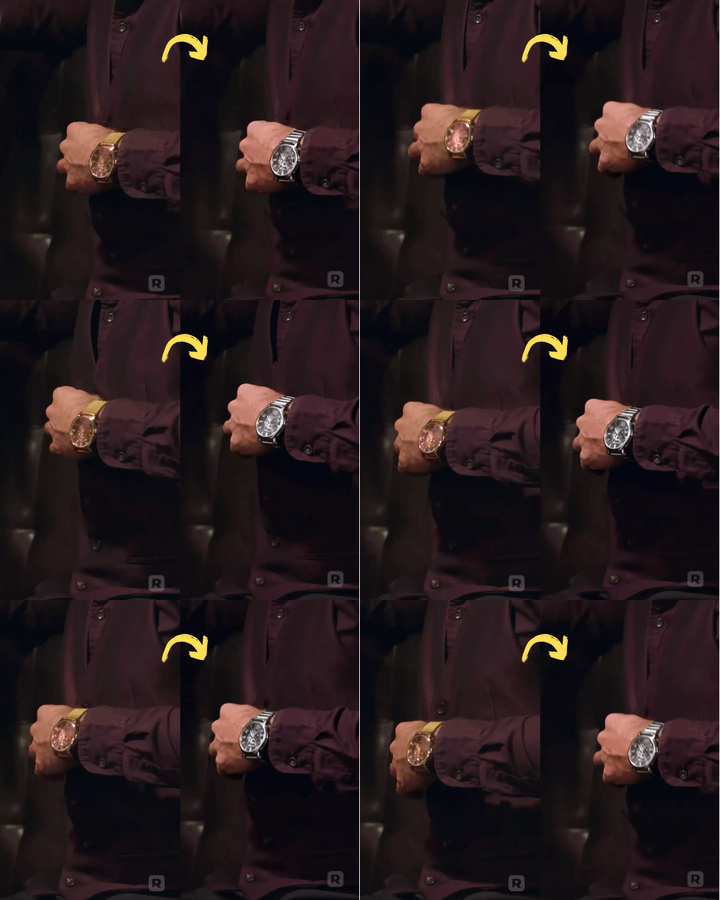
Vertical Video Prop & Object Replacement Using Seedream + Wan 2.2
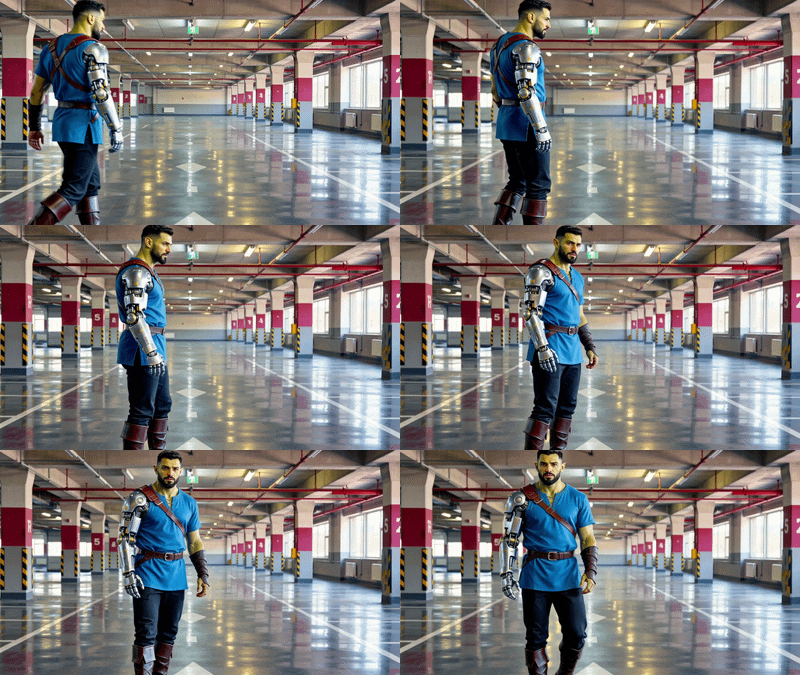

Wan 2.2 14b - Text to Video w/ LoRA
Run Wan 2.2 14b with a custom LoRA

Wan 2.2 T2V Workflow with UnifiedReward Flex LoRA
Wan 2.2 T2V Workflow with UnifiedReward Flex LoRA
Run Wan 2.2 online through ComfyUI on Floyo. Alibaba's MoE architecture video model with 14B/5B parameter variants. 720p text-to-video and image-to-video with improved motion quality and scene consistency over Wan 2.1. Mixture-of-Experts design for faster inference at comparable quality. Open source with Apache 2.0 license. 7 workflows. No install, no GPU, browser-based. Free to try.