


영상 작업 더 보기
모두 둘러보기



모든 비디오-비디오 워크플로우비디오-비디오 워크플로우
모든 Workflows

Wan 2.6 Reference to Video

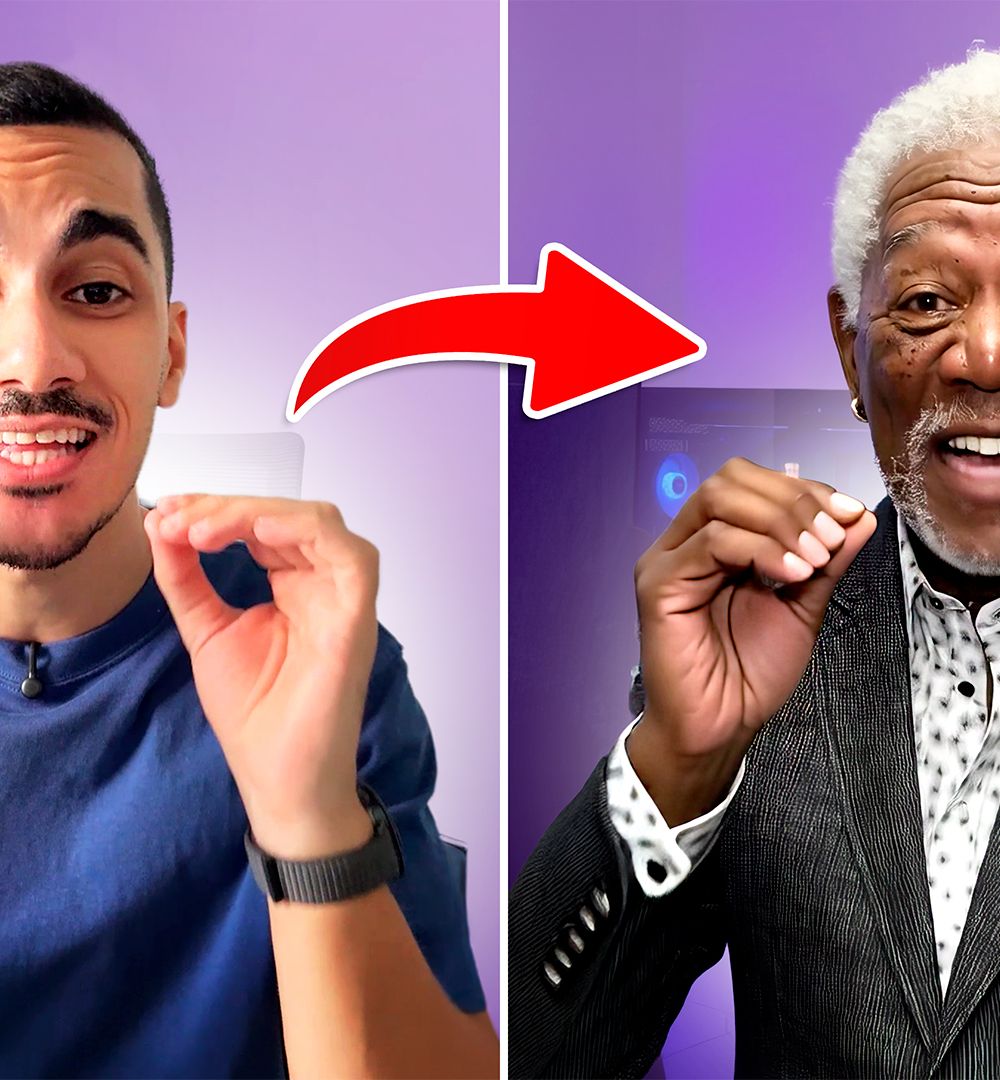
Wan2.2 Fun and RealismBoost LoRA for V2V
Wan2.2 Animate Character
Wan 2.2
Wan2.1 and VACE for Video to Video Outpainting
Wan VACE video outpainting invites you to break free from the limits of the frame and explore endless creative possibilities.

Wan2.1 Fun Control and Flux for V2V Restyle
Create a new video by restyling an existing video with a reference image.

Wan2.1 + SCAIL-2 for Character Motion Transfer
Transfer the motion from any video onto your own character with SCAIL 2, Z.ai's end-to-end character animation model built on Wan 2.1. Upload a video and a character photo, then hit run.
Wan 3.0 Prime · Reference to Video
Place a character into any video using Wan 3.0 Prime by Alibaba. Upload a face, a reference clip, and describe the scene. Prime fidelity, audio included.
MMAudio: Video to Synced Audio
Generate synchronized audio with a given video input. It can be combined with video models to get videos with audio.
Wan2.1 and RecamMaster for V2V Camera Control
Adjust the camera angle of an existing video, like magic.

VOID · Video Object Removal
Erase any object from a video and fill the gap with coherent motion using VOID by Netflix and SAM3 by Meta. Type the object name, hit run. Apache 2.0.


Seedance2.0 Full Reference-to-Video
This is a full-reference workflow for Seedance 2.0. It supports image, video, and audio references for more flexible video generation. Seedance 2.0用のフルリファレンス対応ワークフローです。 画像、動画、音声を参照でき、柔軟な動画生成が可能です。

Wan 2.1 Vid2Vid Style Transfer with Ditto
Upload any video, describe a new style, and Wan 2.1 rewrites every frame. Ditto keeps motion and structure intact across anime, Pixar, clay, and dozens more.
Workflows = API
모든 워크플로우가 API 엔드포인트입니다. 백엔드를 구축하지 않고도 제품에 AI 생성 기능을 담을 수 있습니다. 워크플로우를 고르고, 원하는 대로 조정한 다음, “Floyo API 스니펫 복사”를 클릭하면 끝입니다.

MCP
플랫폼의 모든 워크플로우를 동일한 관리자 설정 그대로 자체 에이전트와 사내 도구에서 호출할 수 있습니다.
mcp.floyo.ai/mcp
간편한 템플릿
미리 만들어진 워크플로우를 열고, 안내를 읽고, 입력을 바꾼 다음 Run을 클릭하세요. 대부분은 노드를 열어 볼 일조차 없습니다. 복잡한 부분은 선택 사항이며 내부에 감춰져 있습니다.

Trust Center
누군가 실행하기 전에 안전한지 확인하세요. 모든 모델에 Verified Private 및 Commercial Use 상태가 표시되며, 승인하지 않은 모델은 팀 관리 설정으로 차단할 수 있습니다.관리자는 팀이 사용할 수 있는 모델, 제공업체, 노드를 선택합니다.

간편한 템플릿
미리 만들어진 워크플로우를 열고, 안내를 읽고, 입력을 바꾼 다음 Run을 클릭하세요. 대부분은 노드를 열어 볼 일조차 없습니다. 복잡한 부분은 선택 사항이며 내부에 감춰져 있습니다.
Trust Center
누군가 실행하기 전에 안전한지 확인하세요. 모든 모델에 Verified Private 및 Commercial Use 상태가 표시되며, 승인하지 않은 모델은 팀 관리 설정으로 차단할 수 있습니다.관리자는 팀이 사용할 수 있는 모델, 제공업체, 노드를 선택합니다.
Workflows = API
모든 워크플로우가 API 엔드포인트입니다. 백엔드를 구축하지 않고도 제품에 AI 생성 기능을 담을 수 있습니다.워크플로우를 고르고, 원하는 대로 조정한 다음, “Floyo API 스니펫 복사”를 클릭하면 끝입니다.
