


3D 작업 더 보기
모두 둘러보기

모든 이미지-3D 워크플로우이미지-3D 워크플로우
모든 Workflows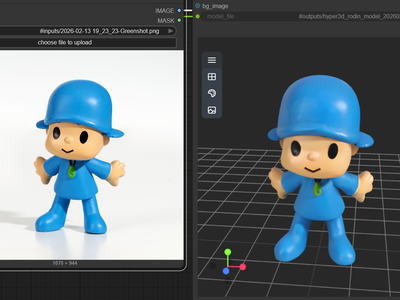

Hyper3D Rodin V2 for Image to 3D
Turn your images into 3D using Hyper3D Rodin v2
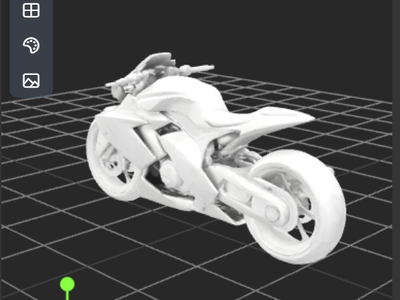
Meshy v6 Text to 3D Model
Create a 3D using Meshy v6 text to model
Image to 3D with Hunyuan3D
A simple workflow to create a detailed & textured 3D model from a reference image.
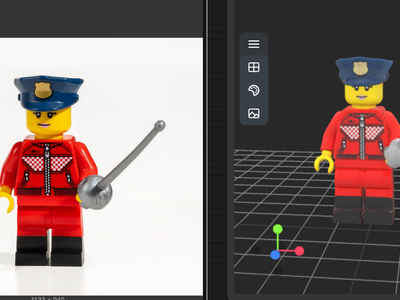
Meshy v6 for Image to 3D Model
Create a 3D model from Image using Meshy v6
Trellis 2 Image to 3D
Upload an image and Trellis 2 builds a textured 3D mesh with PBR materials. Outputs GLB ready for Blender, Unity, or Unreal in about a minute on an H100.
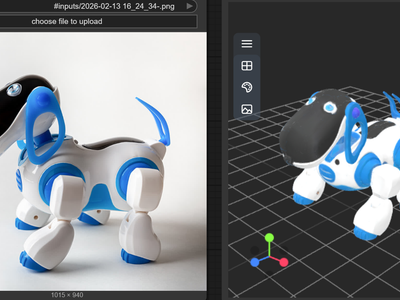
Tripo3D for Image to 3D
Create 3D model using Tripo3D with v2.5

SHARP · Image to 3D Gaussian Splat
Upload one image and Apple's SHARP model generates a 3D Gaussian Splat in under a second, with a live 3D preview and a downloadable PLY file.

TripoSplat · Image to 3D Turnaround
Turn one photo into a 3D Gaussian splat with TripoSplat by VAST-AI, plus colour, depth, normal, and clay turntable videos. Upload an image and hit run.

MoGe 2 for Perspective Image to 3D Mesh
Upload one photo and MoGe 2 by Microsoft Research converts it into a textured 3D mesh with depth maps, normal maps, and a downloadable GLB file. Hit run.

MoGe-2 · Panorama to 3D Mesh
Turn a 360 panorama into a textured 3D mesh with MoGe-2, Microsoft's geometry model. Upload a panorama, hit run, and download a GLB you can open anywhere.
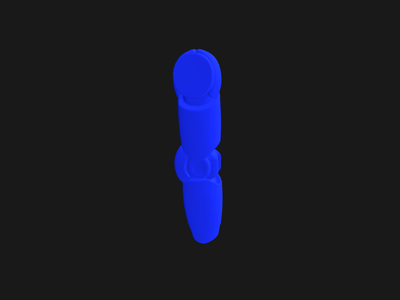
Hunyuan 3D v3.1 for Part Splitter
Break a 3D mesh into clean, separate components using Tencent's Hunyuan 3D Part Splitter. Paste a link to an FBX file, hit run, and download each part individually.
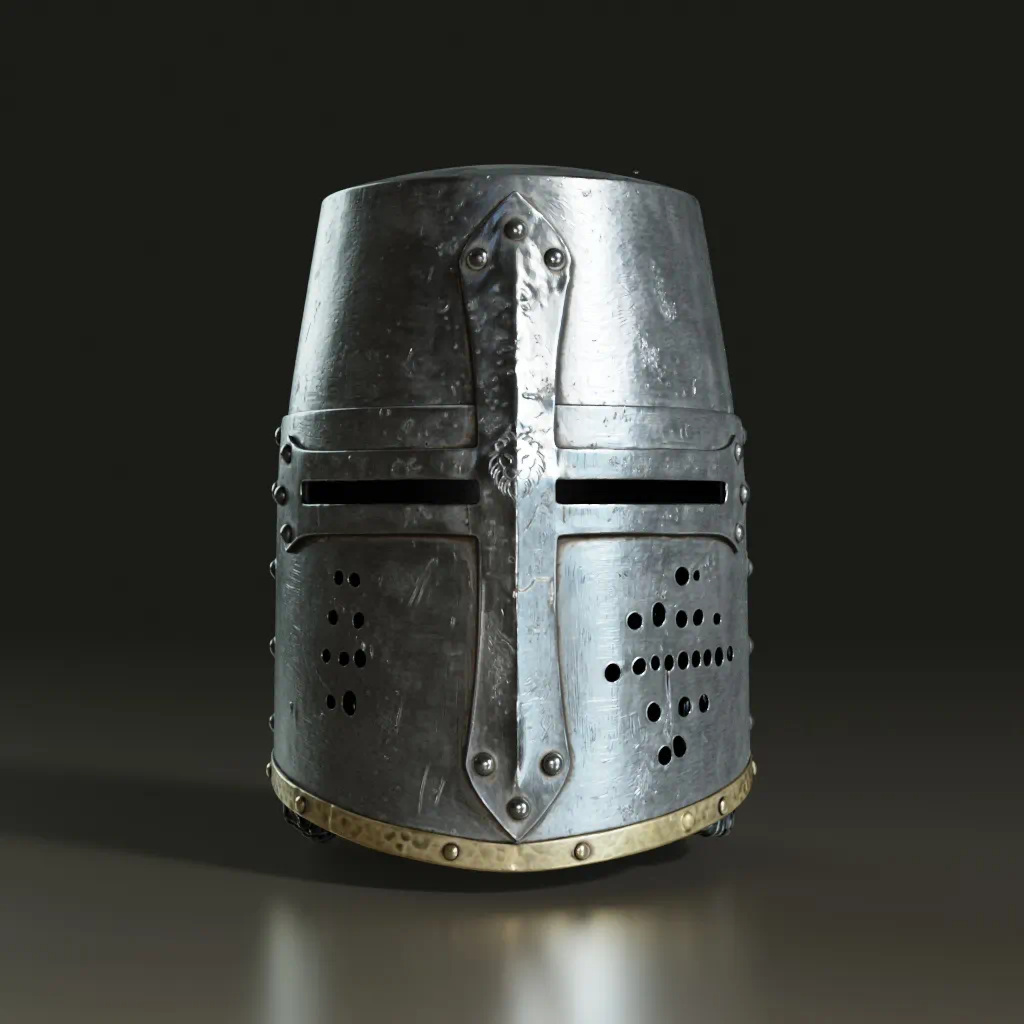
Hi3D for Multiview to 3D
Upload one to four photos of an object from different angles. Hi3D V3 reconstructs a textured, PBR-ready 3D model you can open in Blender, Unity, or Unreal.
Workflows = API
모든 워크플로우가 API 엔드포인트입니다. 백엔드를 구축하지 않고도 제품에 AI 생성 기능을 담을 수 있습니다. 워크플로우를 고르고, 원하는 대로 조정한 다음, “Floyo API 스니펫 복사”를 클릭하면 끝입니다.

MCP
플랫폼의 모든 워크플로우를 동일한 관리자 설정 그대로 자체 에이전트와 사내 도구에서 호출할 수 있습니다.
mcp.floyo.ai/mcp
간편한 템플릿
미리 만들어진 워크플로우를 열고, 안내를 읽고, 입력을 바꾼 다음 Run을 클릭하세요. 대부분은 노드를 열어 볼 일조차 없습니다. 복잡한 부분은 선택 사항이며 내부에 감춰져 있습니다.

Trust Center
누군가 실행하기 전에 안전한지 확인하세요. 모든 모델에 Verified Private 및 Commercial Use 상태가 표시되며, 승인하지 않은 모델은 팀 관리 설정으로 차단할 수 있습니다.관리자는 팀이 사용할 수 있는 모델, 제공업체, 노드를 선택합니다.

간편한 템플릿
미리 만들어진 워크플로우를 열고, 안내를 읽고, 입력을 바꾼 다음 Run을 클릭하세요. 대부분은 노드를 열어 볼 일조차 없습니다. 복잡한 부분은 선택 사항이며 내부에 감춰져 있습니다.
Trust Center
누군가 실행하기 전에 안전한지 확인하세요. 모든 모델에 Verified Private 및 Commercial Use 상태가 표시되며, 승인하지 않은 모델은 팀 관리 설정으로 차단할 수 있습니다.관리자는 팀이 사용할 수 있는 모델, 제공업체, 노드를 선택합니다.
Workflows = API
모든 워크플로우가 API 엔드포인트입니다. 백엔드를 구축하지 않고도 제품에 AI 생성 기능을 담을 수 있습니다.워크플로우를 고르고, 원하는 대로 조정한 다음, “Floyo API 스니펫 복사”를 클릭하면 끝입니다.
