


Lakukan lebih banyak dengan 3D
Lihat semua

Semua alur kerja gambar ke 3DAlur kerja Gambar ke 3D
Semua Workflows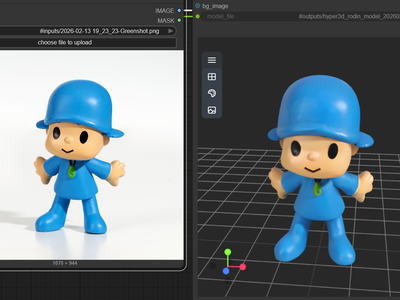

Hyper3D Rodin V2 for Image to 3D
Turn your images into 3D using Hyper3D Rodin v2
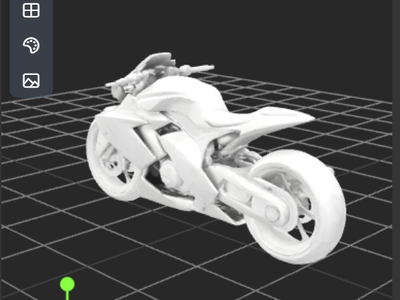
Meshy v6 Text to 3D Model
Create a 3D using Meshy v6 text to model
Image to 3D with Hunyuan3D
A simple workflow to create a detailed & textured 3D model from a reference image.
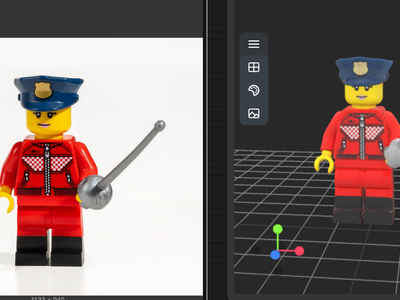
Meshy v6 for Image to 3D Model
Create a 3D model from Image using Meshy v6
Trellis 2 Image to 3D
Upload an image and Trellis 2 builds a textured 3D mesh with PBR materials. Outputs GLB ready for Blender, Unity, or Unreal in about a minute on an H100.
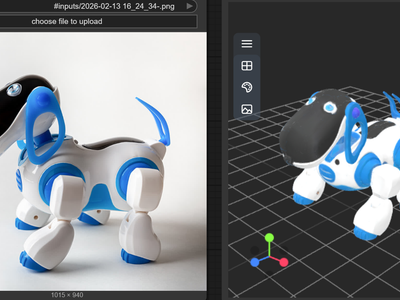
Tripo3D for Image to 3D
Create 3D model using Tripo3D with v2.5

SHARP · Image to 3D Gaussian Splat
Upload one image and Apple's SHARP model generates a 3D Gaussian Splat in under a second, with a live 3D preview and a downloadable PLY file.

TripoSplat · Image to 3D Turnaround
Turn one photo into a 3D Gaussian splat with TripoSplat by VAST-AI, plus colour, depth, normal, and clay turntable videos. Upload an image and hit run.

MoGe 2 for Perspective Image to 3D Mesh
Upload one photo and MoGe 2 by Microsoft Research converts it into a textured 3D mesh with depth maps, normal maps, and a downloadable GLB file. Hit run.

MoGe-2 · Panorama to 3D Mesh
Turn a 360 panorama into a textured 3D mesh with MoGe-2, Microsoft's geometry model. Upload a panorama, hit run, and download a GLB you can open anywhere.
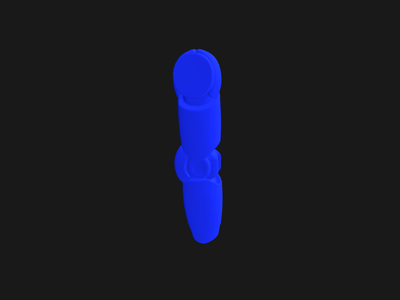
Hunyuan 3D v3.1 for Part Splitter
Break a 3D mesh into clean, separate components using Tencent's Hunyuan 3D Part Splitter. Paste a link to an FBX file, hit run, and download each part individually.
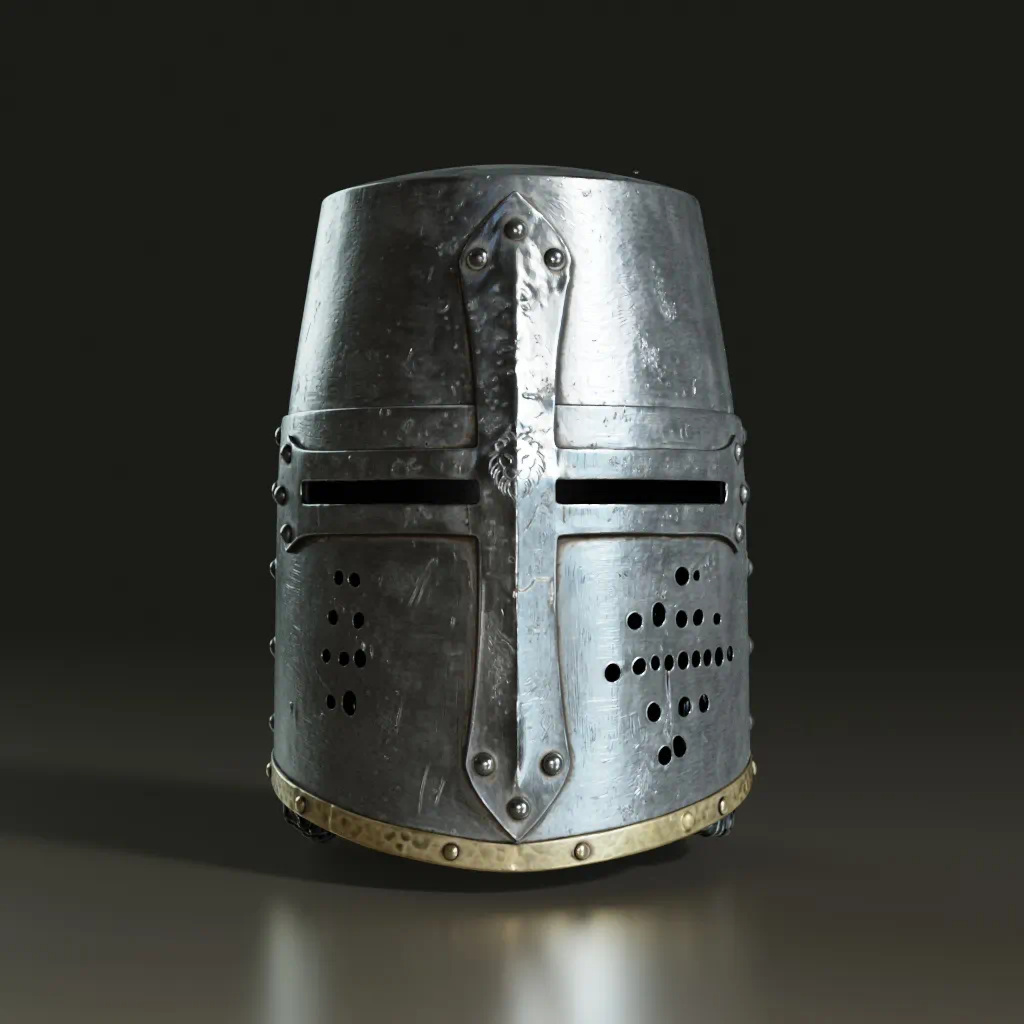
Hi3D for Multiview to 3D
Upload one to four photos of an object from different angles. Hi3D V3 reconstructs a textured, PBR-ready 3D model you can open in Blender, Unity, or Unreal.
Workflows = API
Setiap alur kerja adalah endpoint API. Hadirkan pembuatan konten AI di produk Anda tanpa membangun backend. Pilih alur kerja, sesuaikan, klik "Salin snippet Floyo API", selesai.

MCP
Setiap alur kerja di platform bisa diakses oleh agen dan tool internal Anda sendiri, dengan kendali admin yang sama.
mcp.floyo.ai/mcp
Template mudah
Buka alur kerja siap pakai, baca petunjuknya, ganti input Anda, klik Run. Kebanyakan orang tak pernah membuka satu node pun. Kerumitan itu opsional dan tersimpan di balik layar.

Trust Center
Ketahui apa yang aman sebelum ada yang menjalankannya. Status Verified Private dan Commercial Use untuk setiap model, plus kendali tim untuk memblokir model yang tidak Anda setujui.Admin memilih model, penyedia, dan node mana yang boleh dipakai tim.

Template mudah
Buka alur kerja siap pakai, baca petunjuknya, ganti input Anda, klik Run. Kebanyakan orang tak pernah membuka satu node pun. Kerumitan itu opsional dan tersimpan di balik layar.
Trust Center
Ketahui apa yang aman sebelum ada yang menjalankannya. Status Verified Private dan Commercial Use untuk setiap model, plus kendali tim untuk memblokir model yang tidak Anda setujui.Admin memilih model, penyedia, dan node mana yang boleh dipakai tim.
Workflows = API
Setiap alur kerja adalah endpoint API. Hadirkan pembuatan konten AI di produk Anda tanpa membangun backend.Pilih alur kerja, sesuaikan, klik "Salin snippet Floyo API", selesai.
Mulai sekarang
Kursus gratis
ComfyUI 101
kursus gratis dari Sebastian KamphKursus gratis dari Sebastian Kamph
Sepuluh pelajaran, dari kanvas kosong hingga ControlNet. Node, teks ke gambar, model, LoRA, upscaling, dan pengaturan KSampler. Tidak ada yang perlu diinstal. Setiap pelajaran berjalan di sini, jadi Anda selesai dengan alur kerja yang Anda bangun sendiri.
