


Explora más casos de uso
Ver todo


Todos los flujos de trabajo de VFX y posproducciónFlujos de trabajo de VFX y posproducción
Todos los Workflows

Wan 2.6 Reference to Video
Wan 2.6 · Multi-Shot Image to Video
Turn a still image into a multi-shot video with sound using Wan 2.6 by Alibaba. The model plans camera cuts and syncs audio in one pass. Upload and run.
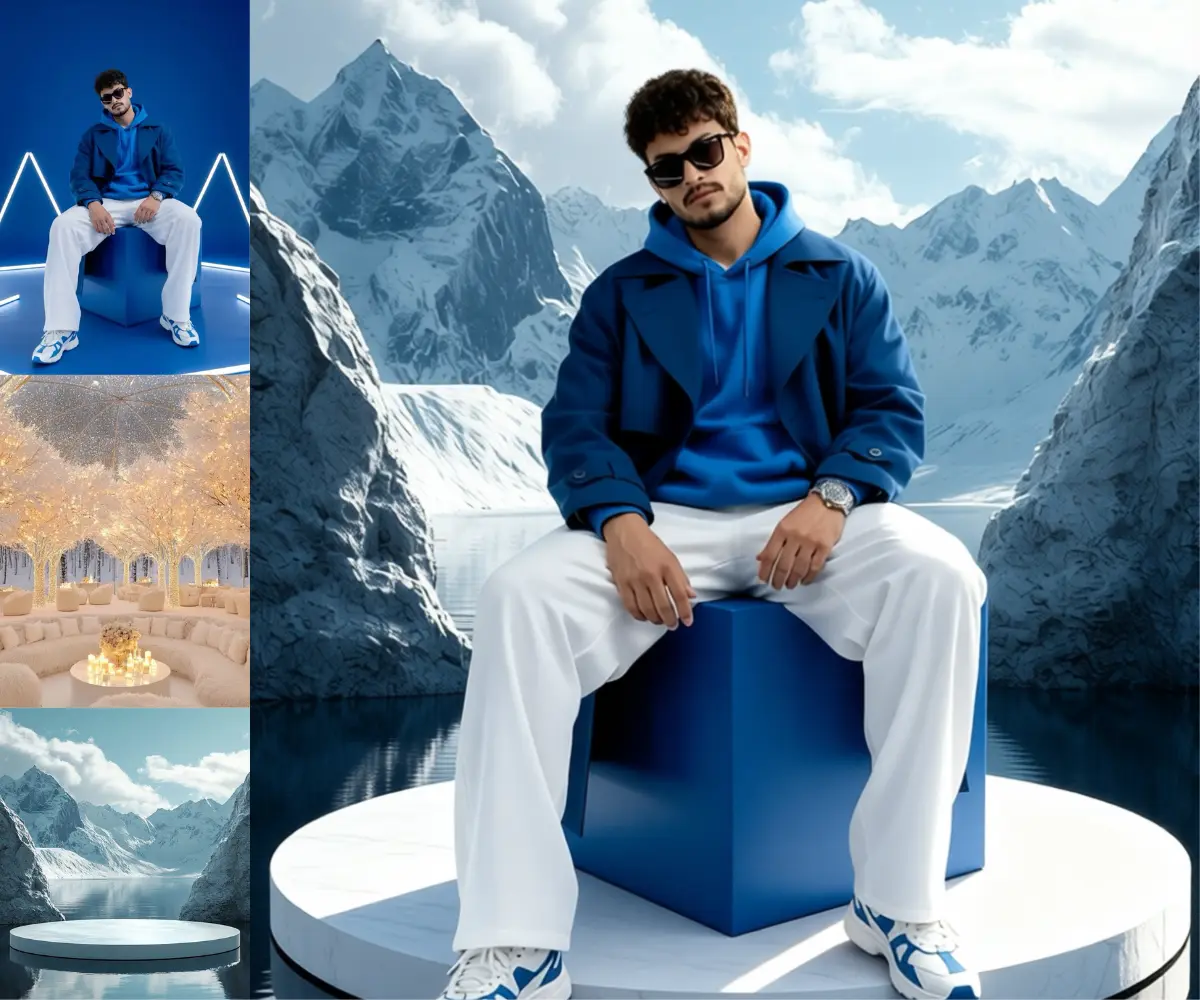
Qwen Image Edit 2511 · Composite
Place a subject into a new scene using Qwen Image Edit 2511 and the Kontext multi-reference method. Upload a subject and a background, describe the edit, run.
Seedance 2.0: Reference to Video
Composite up to nine reference images into one video clip with Seedance 2.0 by ByteDance. Tag each image in the prompt, describe the scene, and hit run.
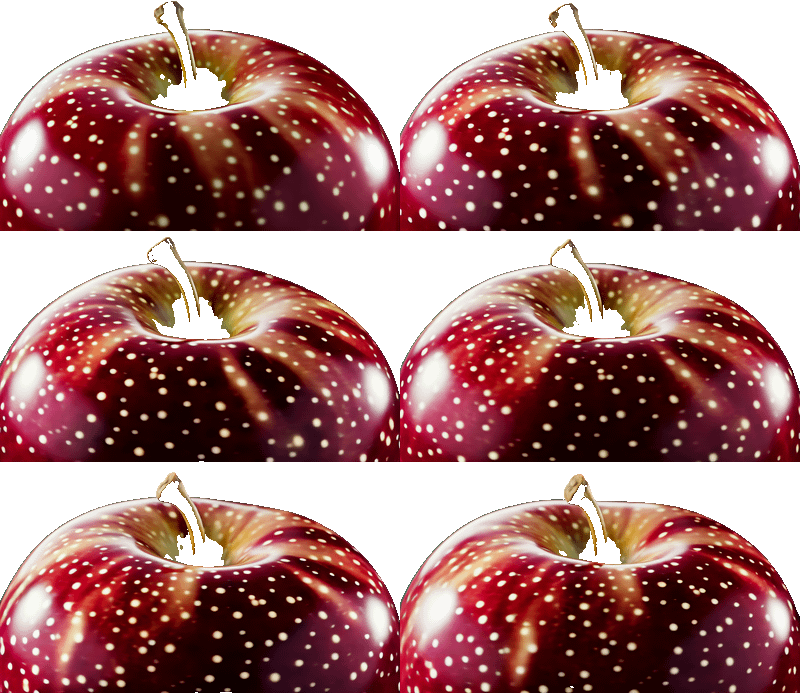
Wan Alpha Create Transparent Videos
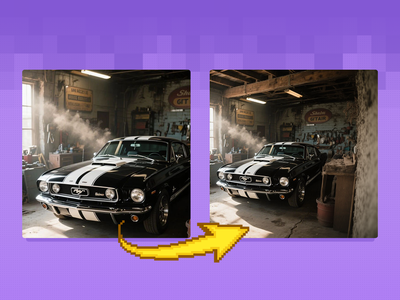
Flux Fill Dev Image Outpainting
Extend your images out for a wider field of view or just to see more of your subject. Expand compositions, change aspect ratios, or add creative elements while maintaining consistency in style, lighting, and detail while seamlessly blending with the existing artwork.
Corridor Key Green Screen Keying for Video
Upload green screen footage and get a clean alpha matte plus composite preview. Corridor Key's neural network handles hair, motion blur, and transparency.
Video Masking with Sam2 Comparison
Use a video clip and visual markers to segment/create masks of the subject or the inverse. Key Inputs Load Video: Use any Mp4 that you would like to segment or create a mask from Select subject: Use 3 green selectors to identify your subject and one red selector to identify the space outside your subject Modify markers: Shift+Click to add markers, Shift+Right Click to remove markers

Seedance 2.0 · Image to Video
Animate any still into a video clip with Seedance 2.0 by ByteDance. Upload a start image, add an optional end frame, describe the motion, and hit run.
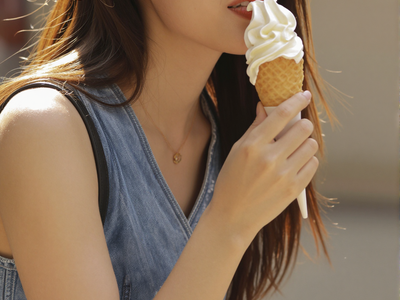
Z-Image Turbo · Text to Image With Diversity LoRA
Generate a different composition on every seed with Z-Image Turbo and the SDA diversity LoRA. Write a prompt, hit run, get layout variety. Apache 2.0.

Z-Image Turbo + SDA LoRA for Diverse Text to Image
Generate images with Z-Image Turbo while the SDA diversity LoRA stops every seed from producing the same pose and composition. 8 steps, 2x upscale to 2048.
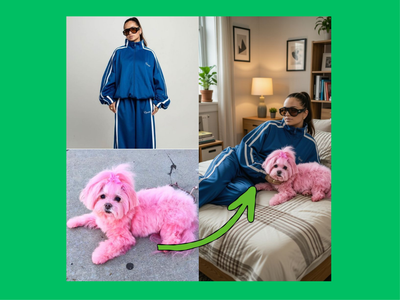

FireRed Image Edit 1.1 workflow
An open-source AI image editing model tuned for high-fidelity editing, character consistency, and multi-element composition. Excellent at changing visuals with straightforward prompts that may be used locally in ComfyUI.
Workflows = APIs
Cada flujo de trabajo es un endpoint de API. Integra generación con IA en tu producto sin crear un backend. Elige un flujo de trabajo, personalízalo, haz clic en «Copiar fragmento de Floyo API» y listo.

MCP
Todos los flujos de trabajo de la plataforma, al alcance de tus agentes y herramientas internas, con los mismos controles de administración.
mcp.floyo.ai/mcp
Plantillas fáciles
Abre un flujo de trabajo listo, lee las instrucciones, cambia tu entrada y haz clic en Run. La mayoría nunca abre un nodo. La complejidad es opcional y queda tras bambalinas.

Trust Center
Sabe qué es seguro antes de que alguien lo ejecute. Estado Verified Private y Commercial Use para cada modelo, además de controles de equipo para bloquear los que no apruebes.Los administradores eligen qué modelos, proveedores y nodos puede usar el equipo.

Plantillas fáciles
Abre un flujo de trabajo listo, lee las instrucciones, cambia tu entrada y haz clic en Run. La mayoría nunca abre un nodo. La complejidad es opcional y queda tras bambalinas.
Trust Center
Sabe qué es seguro antes de que alguien lo ejecute. Estado Verified Private y Commercial Use para cada modelo, además de controles de equipo para bloquear los que no apruebes.Los administradores eligen qué modelos, proveedores y nodos puede usar el equipo.
Workflows = APIs
Cada flujo de trabajo es un endpoint de API. Integra generación con IA en tu producto sin crear un backend.Elige un flujo de trabajo, personalízalo, haz clic en «Copiar fragmento de Floyo API» y listo.
Empieza ya
Curso gratuito
ComfyUI 101
curso gratuito de Sebastian KamphCurso gratuito de Sebastian Kamph
Diez lecciones, del lienzo en blanco a ControlNet. Nodos, texto a imagen, modelos, LoRA, escalado y ajustes de KSampler. Nada que instalar. Cada lección se ejecuta aquí, así que terminas con flujos de trabajo creados por ti.
