


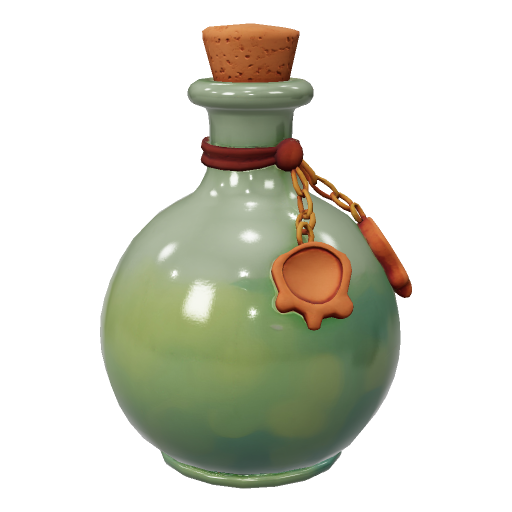
Mach mehr mit 3D
Alle entdecken

Alle Workflows für Text-zu-3DWorkflows für Text-zu-3D
Alle Workflows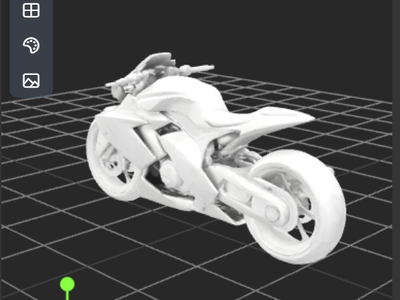

Meshy v6 Text to 3D Model
Create a 3D using Meshy v6 text to model
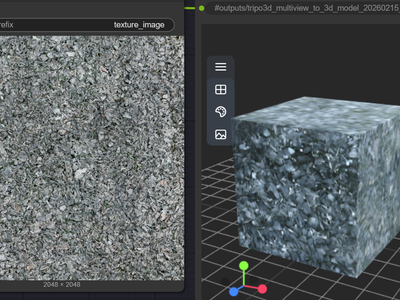
Chord for PBR Material Generation using Text to 3D
Create a 3D Game Material Asset using Chord Model from Ubisoft

Meshy 7 · Text to 3D
Describe any object and Meshy 7 generates a fully textured 3D model with PBR materials. Export as GLB, FBX, OBJ, USDZ, or STL. Write a prompt and run.

Tripo P1 for Text to 3D
Upload a photo and Tripo P1 generates a textured 3D model with clean low-poly topology, ready for game engines, 3D viewers, or further editing. No modeling required.

Hunyuan 3D v3.1 Pro for Text to 3D
Generate a textured 3D model from a text description using Tencent's Hunyuan 3D v3.1 Pro. Describe the object, set your polygon count, and hit run.
Workflows = APIs
Jeder Workflow ist ein API-Endpoint. Bring KI-Generierung in dein Produkt, ohne ein Backend zu bauen. Wähle einen Workflow, pass ihn an, klicke auf „Snippet für die Floyo API kopieren“, fertig.

MCP
Jeder Workflow auf der Plattform, erreichbar für deine eigenen Agents und internen Tools, mit denselben Admin-Kontrollen.
mcp.floyo.ai/mcp
Einfache Vorlagen
Öffne einen fertigen Workflow, lies die Anleitung, ändere deine Eingabe und starte ihn mit einem Klick. Die meisten öffnen nie einen Node. Komplexität ist optional und bleibt unter der Haube.

Trust Center
Du weißt, was sicher ist, bevor es jemand ausführt. Status Verified Private und Commercial Use für jedes Modell, dazu Team-Kontrollen, mit denen du nicht freigegebene Modelle blockierst.Admins legen fest, welche Modelle, Anbieter und Nodes das Team nutzen darf.

Einfache Vorlagen
Öffne einen fertigen Workflow, lies die Anleitung, ändere deine Eingabe und starte ihn mit einem Klick. Die meisten öffnen nie einen Node. Komplexität ist optional und bleibt unter der Haube.
Trust Center
Du weißt, was sicher ist, bevor es jemand ausführt. Status Verified Private und Commercial Use für jedes Modell, dazu Team-Kontrollen, mit denen du nicht freigegebene Modelle blockierst.Admins legen fest, welche Modelle, Anbieter und Nodes das Team nutzen darf.
Workflows = APIs
Jeder Workflow ist ein API-Endpoint. Bring KI-Generierung in dein Produkt, ohne ein Backend zu bauen.Wähle einen Workflow, pass ihn an, klicke auf „Snippet für die Floyo API kopieren“, fertig.
Leg los
Kostenloser Kurs
ComfyUI 101
kostenloser Kurs von Sebastian KamphKostenloser Kurs von Sebastian Kamph
Zehn Lektionen, vom leeren Canvas bis zu ControlNet. Nodes, Text-zu-Bild, Modelle, LoRA, Upscaling und KSampler-Einstellungen. Nichts zu installieren. Jede Lektion läuft hier, also hast du am Ende Workflows, die du selbst gebaut hast.
