


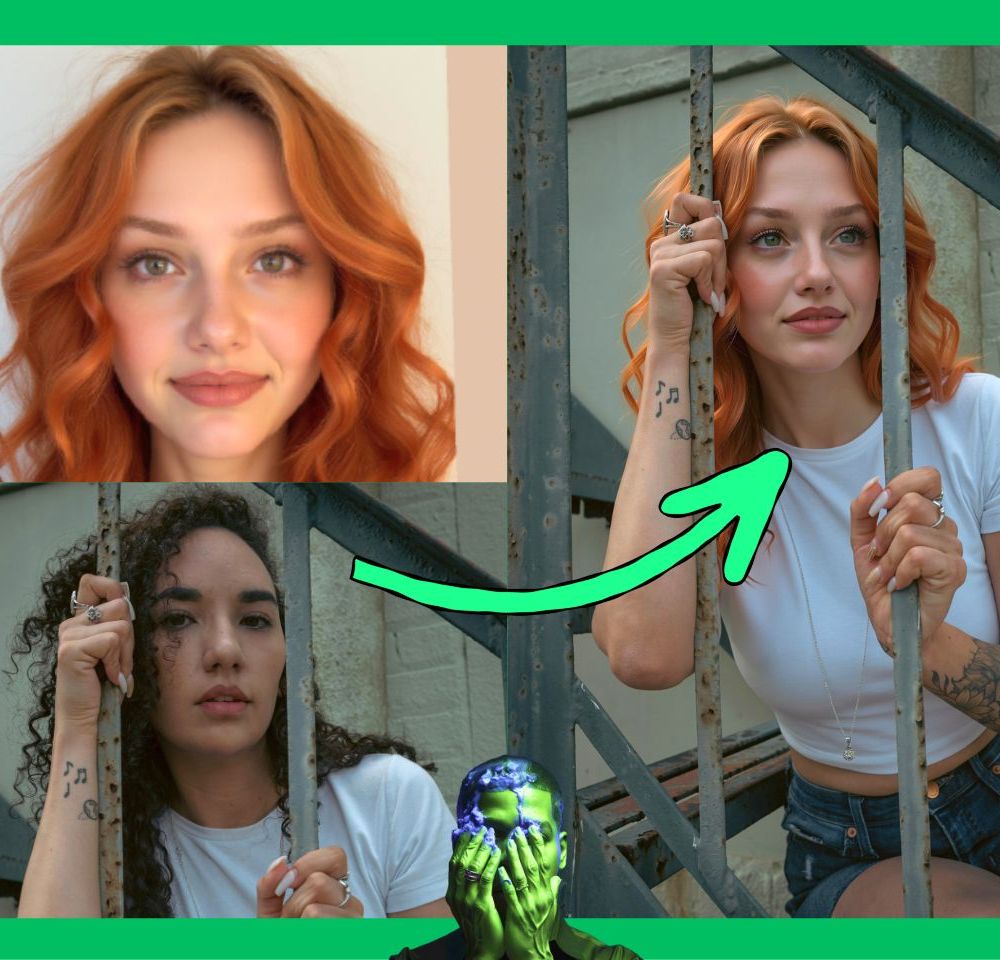
Entdecke weitere Anwendungsfälle
Alle entdecken



Alle Workflows für GesichtstauschWorkflows für Gesichtstausch
Alle Workflows

Qwen Edit 2511 Face Swap
Face Swap


Qwen Image Edit 2509 · Face Swap
Swap a face between two photos with Qwen Image Edit 2509. Upload a main image and a reference, paint a mask on each face, hit run. Apache 2.0 open weights.


ReActor - Simple Face Swap

SMART FACE SWAPPER - Ace++ Flux Face swap
Face swapper built with Flux and ACE++. Works with added details too, like hats, jewelry. Smart features, use natural language.
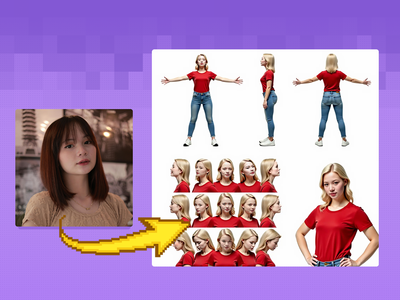
Image to Image Character Sheet Face Swap with Ace+
Take a character sheet and use a reference image to replace all the faces with that new person. Key Inputs Load Image: Use any JPG or PNG showing your pose sheet Load New Face: Use any JPG or PNG showing your subject clearly that you would like to swap into the pose sheet. Prompt: as descriptive a prompt as possible Width & height: Optimal resolution settings are noted at 1024px x 1024px Keep Proportion: Enable keep_proportion if you want to keep the same size with input and output Denoise: The amount of variance in the new image. Higher has more variance.

Vertical Video Background & Scene Rebuild


Qwen Image 2.1 Face Swap
Upload a photo and a new face. Qwen Image 2.1 swaps in the whole head and keeps the body, pose, outfit, and scene from your original. Two uploads, one prompt.
Workflows = APIs
Jeder Workflow ist ein API-Endpoint. Bring KI-Generierung in dein Produkt, ohne ein Backend zu bauen. Wähle einen Workflow, pass ihn an, klicke auf „Snippet für die Floyo API kopieren“, fertig.

MCP
Jeder Workflow auf der Plattform, erreichbar für deine eigenen Agents und internen Tools, mit denselben Admin-Kontrollen.
mcp.floyo.ai/mcp
Einfache Vorlagen
Öffne einen fertigen Workflow, lies die Anleitung, ändere deine Eingabe und starte ihn mit einem Klick. Die meisten öffnen nie einen Node. Komplexität ist optional und bleibt unter der Haube.

Trust Center
Du weißt, was sicher ist, bevor es jemand ausführt. Status Verified Private und Commercial Use für jedes Modell, dazu Team-Kontrollen, mit denen du nicht freigegebene Modelle blockierst.Admins legen fest, welche Modelle, Anbieter und Nodes das Team nutzen darf.

Einfache Vorlagen
Öffne einen fertigen Workflow, lies die Anleitung, ändere deine Eingabe und starte ihn mit einem Klick. Die meisten öffnen nie einen Node. Komplexität ist optional und bleibt unter der Haube.
Trust Center
Du weißt, was sicher ist, bevor es jemand ausführt. Status Verified Private und Commercial Use für jedes Modell, dazu Team-Kontrollen, mit denen du nicht freigegebene Modelle blockierst.Admins legen fest, welche Modelle, Anbieter und Nodes das Team nutzen darf.
Workflows = APIs
Jeder Workflow ist ein API-Endpoint. Bring KI-Generierung in dein Produkt, ohne ein Backend zu bauen.Wähle einen Workflow, pass ihn an, klicke auf „Snippet für die Floyo API kopieren“, fertig.
Leg los
Kostenloser Kurs
ComfyUI 101
kostenloser Kurs von Sebastian KamphKostenloser Kurs von Sebastian Kamph
Zehn Lektionen, vom leeren Canvas bis zu ControlNet. Nodes, Text-zu-Bild, Modelle, LoRA, Upscaling und KSampler-Einstellungen. Nichts zu installieren. Jede Lektion läuft hier, also hast du am Ende Workflows, die du selbst gebaut hast.
