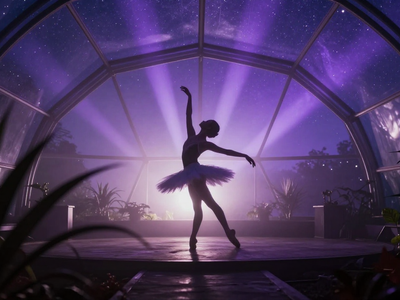
Wan 3.0_Prime_Image_to_Video
Wan 3.0 Primeを使用したImage to Videoワークフローです。画像1枚とプロンプトを用意し、解像度・長さ・音声を設定するだけで、セリフや環境音つきの動画をすぐに生成できます。This is an Image to Video workflow using Wan 3.0 Prime. Just add an image and a prompt to generate a video with sound.
Audio
Video
923
1. Overview|概要
このワークフローは、Wan 3.0 Primeを使用したImage to Video(音声付き)用の動画生成ワークフローです。
This workflow is an Image to Video generation workflow with audio using Wan 3.0 Prime.
画像1枚から、セリフや環境音つきの動画を最大1080Pで生成できます。
You can generate a video with dialogue and ambient sound from a single image, up to 1080P.
人物の自撮り風動画、SNS用の短い動画、写真の動画化に活用できます。
It can be used for selfie-style videos, short social media clips, and animating photos.
Floyo Partner Nodeを使用しているため、実行のたびにAPIウォレットを消費します。APIキーは不要です。
Because it uses a Floyo Partner Node, each run consumes your API wallet. No API key is needed.
2. How It Works|使い方
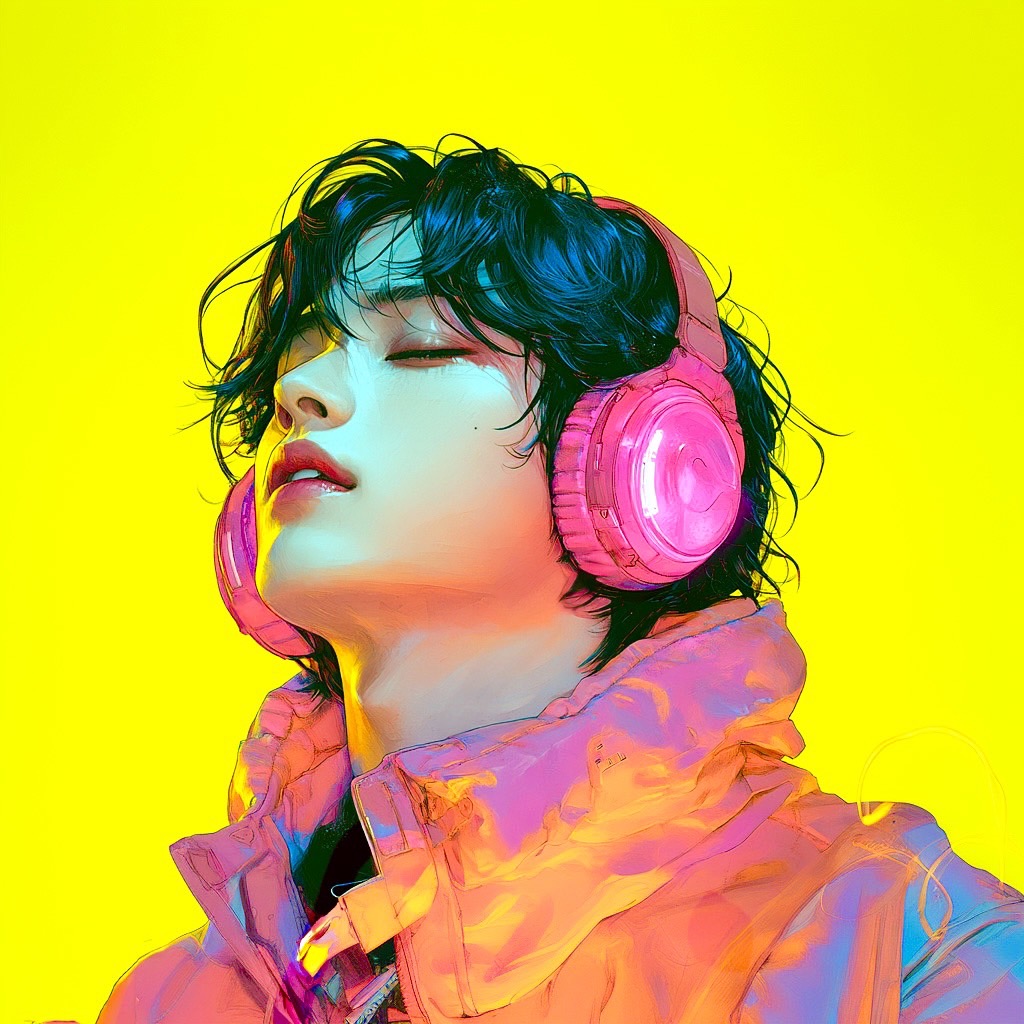
「画像を読み込む」に、動画にしたい画像をアップロードしてください。
Upload the image you want to animate to the Load Image node.
プロンプトに、動き・カメラ・光・音・セリフを入力してください。
Enter the motion, camera, light, sound, and dialogue in the prompt.
解像度、長さ、音声のオン/オフを設定し、実行ボタンを押してください。
Set the resolution, duration, and audio on/off, then press the Run button.
実行のたびにAPIウォレットを消費するため、まずは短い長さで試すのがおすすめです。
Each run consumes your API wallet, so it is recommended to test with a short duration first.
3. Prompt Control|プロンプトによる調整
プロンプトは英語で、やや長めに具体的に書くと結果が安定します。
Writing the prompt in English, fairly long and specific, gives more stable results.
セリフは短い1文にし、言語を明記してください(例:says in Japanese)。
Keep dialogue to one short sentence and state the language (e.g. says in Japanese).
顔・服・動物を元画像のまま保ちたい場合は、その旨をプロンプトに書いてください。
If you want the face, clothes, and animals to stay as in the photo, say so in the prompt.
動きを抑えたい場合は、gentle movement や subtle motion を指定してください。
To reduce motion, specify gentle movement or subtle motion.
4. Settings|設定
resolutionでは、480P、720P、1080Pから出力解像度を選択してください。
Select the output resolution from 480P, 720P, or 1080P in resolution.
durationでは、2〜30秒から動画の長さを指定してください。
Set the video length from 2 to 30 seconds in duration.
audioでは、音声のオン/オフを切り替えられます。watermarkは透かしの有無です。
Use audio to turn sound on or off, and watermark to toggle the watermark.
入力画像はPNGなどで透過なし、各辺240〜8000px、20MBまでです。
The input image must have no transparency, each side 240-8000px, up to 20MB.
展开