RIFE Frame Interpolation (2x Smooth Motion)
Doubles your video's frame rate with RIFE AI interpolation for buttery-smooth motion. 24→48, 30→60fps. Keeps original resolution, passes audio through, works on any clip. Just load a video and set the output frame rate to 2x your source. Three nodes, no setup.
Fps
Frame-interpolation
Post-production
RIFE
Smooth-motion
VFI
VFX and post
Video
335
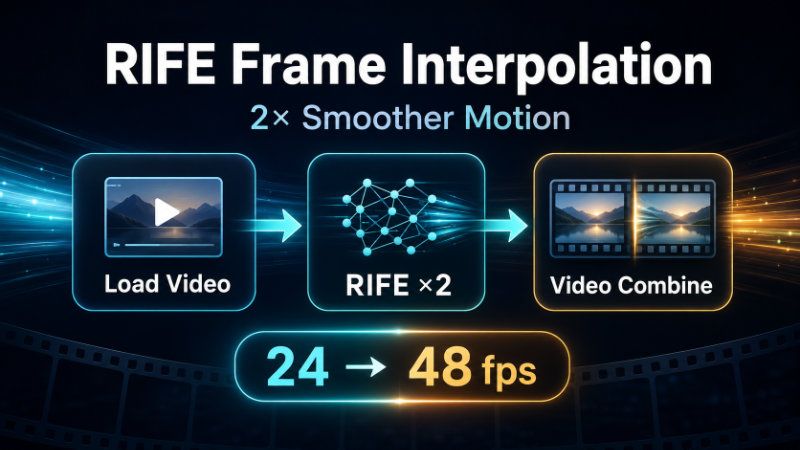
What it does
Interpolates new in-between frames with RIFE (Real-time Intermediate Flow Estimation), doubling your frame rate so motion looks smooth and fluid. Great for animation, AI-generated video, timelapse, and giving 24fps footage a higher-frame-rate feel.
Flow: Load Video → RIFE VFI (x2) → Video Combine
How to use
Load Video — pick your clip. Resolution is preserved (custom_width/height = 0).
RIFE VFI — multiplier = 2 doubles the frames. Bump it to 3 or 4 for even more. ensemble on = smoother, slightly slower.
Video Combine → frame_rate — set this to 2x your source fps (24→48, 30→60, 25→50). If it's wrong, the video will desync from the audio.
Audio is carried over from the source automatically. For long clips, process in parts with skip_first_frames + frame_load_cap.
展开