



오디오 작업 더 보기
모두 둘러보기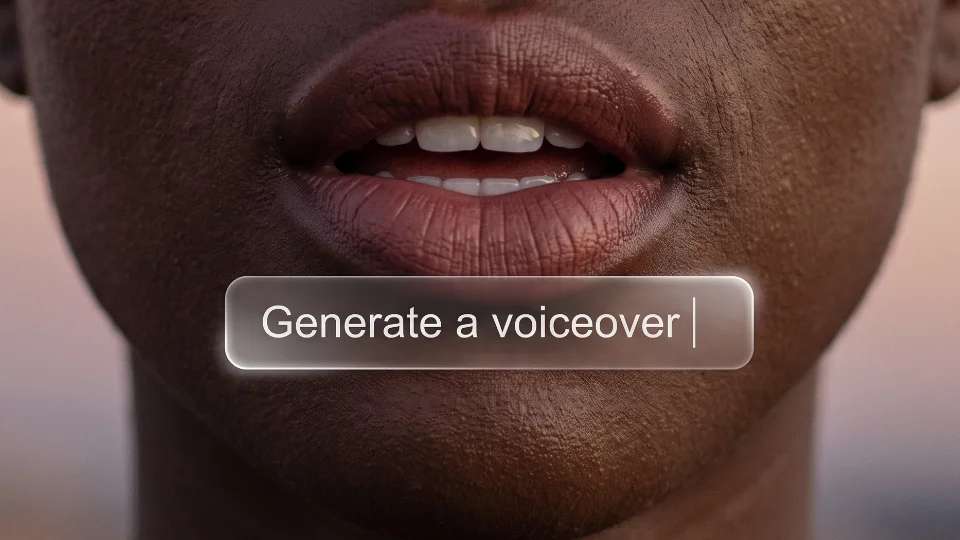


모든 음성 복제 워크플로우음성 복제 워크플로우
모든 Workflows

VibeVoice · Text to Speech
Clone any voice from a short clip and read your text in it using VibeVoice Large by Microsoft. Upload a voice sample, type your script, hit run. MIT license.

Voice Changer using TTS Audio Suite (ChatterBox)
Convert any voice to match a target speaker using ChatterBox TTS. Upload source and narrator audio, run it, get back a converted MP3. No voice training needed.

Timbre Transfer (SeedVC) for Voice Change
Convert any voice into another with Seed-VC. Upload a source audio and a short reference clip, and the model rebuilds the audio in the reference voice.

Fish Speech Voice Cloning TTS with Emotion Tags
Emotion Tags

IndexTTS2 · Voice Cloning With Emotion Control
Clone any voice and control emotional delivery with IndexTTS2, the open-weight TTS model. Upload a voice sample, type the text, and hit run. MIT license.

Change Emotion using IndexTTS2
Clone any voice and change the emotional delivery. Upload audio, type new text, adjust emotions, and get speech with different feelings using the same voice.

LongCat AudioDiT for Multi Speaker TTS
Clone two voices from short audio samples and generate dialogue between them with LongCat AudioDiT 3.5B. Upload your references, write your script, hit run.

Step Audio EditX for Voice Editing
Edit existing voice recordings with Step-Audio EditX. Change emotion, dialect, or style. Whisper transcribes your audio so you describe the edit, not the source.

LongCat AudioDiT for Voice Clone
Clone any voice from a short audio sample with LongCat AudioDiT 3.5B. Upload a reference clip, type what you want it to say, and get speech in that voice.

LongCat AudioDiT 3.5B - TTS, Voice Clone, Multi-Sp

Step Audio EditX for Voice Cloning
Upload a voice sample, transcribe it automatically with Whisper, then use Step-Audio EditX to clone that voice speaking your custom script. No trigger word needed.

CosyVoice3 for Voice Conversion
Convert any voice recording into a different speaker using CosyVoice 3 by Alibaba. Upload two audio clips, hit run, and get it re-spoken in a new voice.
Workflows = API
모든 워크플로우가 API 엔드포인트입니다. 백엔드를 구축하지 않고도 제품에 AI 생성 기능을 담을 수 있습니다. 워크플로우를 고르고, 원하는 대로 조정한 다음, “Floyo API 스니펫 복사”를 클릭하면 끝입니다.

MCP
플랫폼의 모든 워크플로우를 동일한 관리자 설정 그대로 자체 에이전트와 사내 도구에서 호출할 수 있습니다.
mcp.floyo.ai/mcp
간편한 템플릿
미리 만들어진 워크플로우를 열고, 안내를 읽고, 입력을 바꾼 다음 Run을 클릭하세요. 대부분은 노드를 열어 볼 일조차 없습니다. 복잡한 부분은 선택 사항이며 내부에 감춰져 있습니다.

Trust Center
누군가 실행하기 전에 안전한지 확인하세요. 모든 모델에 Verified Private 및 Commercial Use 상태가 표시되며, 승인하지 않은 모델은 팀 관리 설정으로 차단할 수 있습니다.관리자는 팀이 사용할 수 있는 모델, 제공업체, 노드를 선택합니다.

간편한 템플릿
미리 만들어진 워크플로우를 열고, 안내를 읽고, 입력을 바꾼 다음 Run을 클릭하세요. 대부분은 노드를 열어 볼 일조차 없습니다. 복잡한 부분은 선택 사항이며 내부에 감춰져 있습니다.
Trust Center
누군가 실행하기 전에 안전한지 확인하세요. 모든 모델에 Verified Private 및 Commercial Use 상태가 표시되며, 승인하지 않은 모델은 팀 관리 설정으로 차단할 수 있습니다.관리자는 팀이 사용할 수 있는 모델, 제공업체, 노드를 선택합니다.
Workflows = API
모든 워크플로우가 API 엔드포인트입니다. 백엔드를 구축하지 않고도 제품에 AI 생성 기능을 담을 수 있습니다.워크플로우를 고르고, 원하는 대로 조정한 다음, “Floyo API 스니펫 복사”를 클릭하면 끝입니다.
