


이미지 작업 더 보기
모두 둘러보기



모든 리라이팅 워크플로우리라이팅 워크플로우
모든 Workflows

Qwen Image Edit 2509 · Relight
Remove harsh light and shadow from any photo and relight it with soft, even illumination using Qwen Image Edit 2509 and a Relight LoRA. Upload and run.
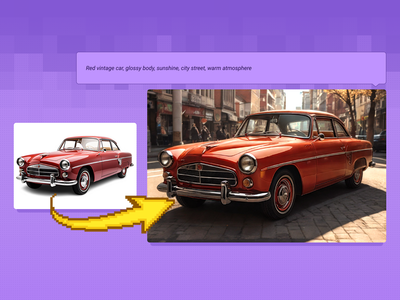
IC-Light
[Test]

Studio Relighting for Composited Products

Copy Lighting from Any Photo | Flux2 Klein 9B
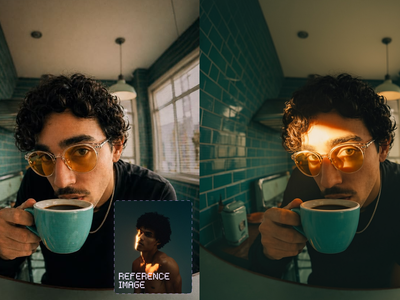
Transfer the lighting, color grade, and mood from one image onto another while keeping the subject's face, pose, and composition untouched.

Qwen Multiangle Light · Image to Image For AD Film
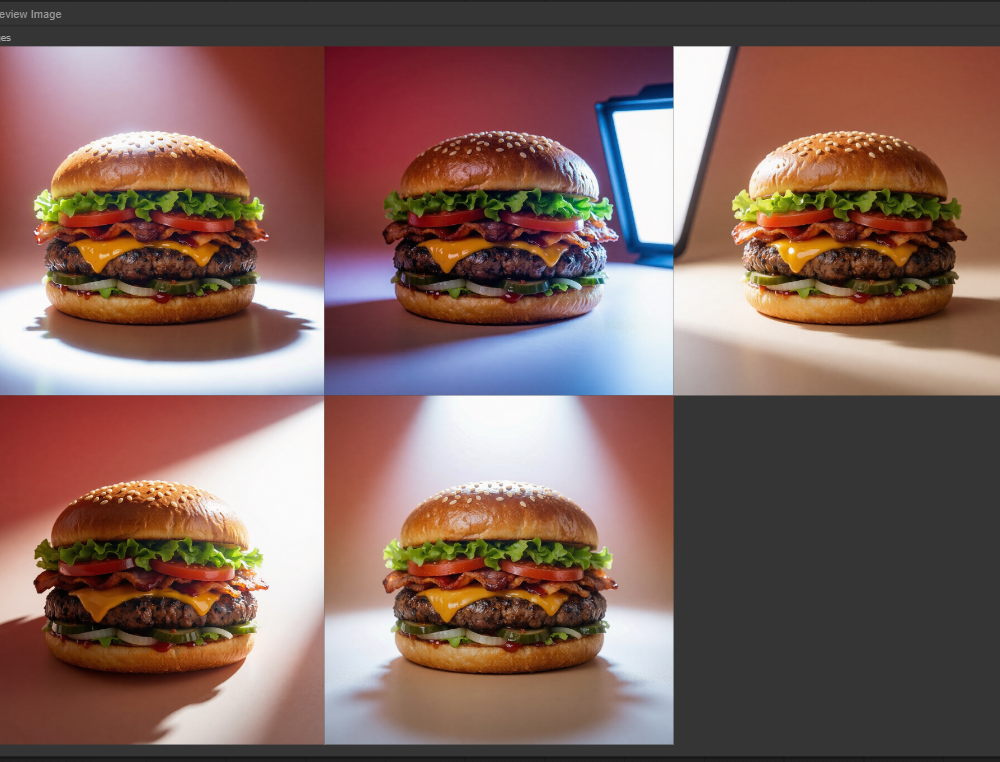
Upload one image and this workflow generates five relighted versions simultaneously, each lit from a different angle and direction, with full control over azimuth, elevation, intensity, and color.

Qwen Multiangle Light · Image to Image For Anime
Upload one image and this workflow generates five relighted versions simultaneously, each lit from a different angle and direction, with full control over azimuth, elevation, intensity, and color.

Qwen Multiangle Light · Img to Img For Short Drama
Upload one image and this workflow generates five relighted versions simultaneously, each lit from a different angle and direction, with full control over azimuth, elevation, intensity, and color.

Qwen Multiangle Light · I2I For Viral SNS
Upload one image and this workflow generates five relighted versions simultaneously, each lit from a different angle and direction, with full control over azimuth, elevation, intensity, and color.

Qwen Multiangle Light · Image to Image For Kids Ed
Upload one image and this workflow generates five relighted versions simultaneously, each lit from a different angle and direction, with full control over azimuth, elevation, intensity, and color.
Workflows = API
모든 워크플로우가 API 엔드포인트입니다. 백엔드를 구축하지 않고도 제품에 AI 생성 기능을 담을 수 있습니다. 워크플로우를 고르고, 원하는 대로 조정한 다음, “Floyo API 스니펫 복사”를 클릭하면 끝입니다.

MCP
플랫폼의 모든 워크플로우를 동일한 관리자 설정 그대로 자체 에이전트와 사내 도구에서 호출할 수 있습니다.
mcp.floyo.ai/mcp
간편한 템플릿
미리 만들어진 워크플로우를 열고, 안내를 읽고, 입력을 바꾼 다음 Run을 클릭하세요. 대부분은 노드를 열어 볼 일조차 없습니다. 복잡한 부분은 선택 사항이며 내부에 감춰져 있습니다.

Trust Center
누군가 실행하기 전에 안전한지 확인하세요. 모든 모델에 Verified Private 및 Commercial Use 상태가 표시되며, 승인하지 않은 모델은 팀 관리 설정으로 차단할 수 있습니다.관리자는 팀이 사용할 수 있는 모델, 제공업체, 노드를 선택합니다.

간편한 템플릿
미리 만들어진 워크플로우를 열고, 안내를 읽고, 입력을 바꾼 다음 Run을 클릭하세요. 대부분은 노드를 열어 볼 일조차 없습니다. 복잡한 부분은 선택 사항이며 내부에 감춰져 있습니다.
Trust Center
누군가 실행하기 전에 안전한지 확인하세요. 모든 모델에 Verified Private 및 Commercial Use 상태가 표시되며, 승인하지 않은 모델은 팀 관리 설정으로 차단할 수 있습니다.관리자는 팀이 사용할 수 있는 모델, 제공업체, 노드를 선택합니다.
Workflows = API
모든 워크플로우가 API 엔드포인트입니다. 백엔드를 구축하지 않고도 제품에 AI 생성 기능을 담을 수 있습니다.워크플로우를 고르고, 원하는 대로 조정한 다음, “Floyo API 스니펫 복사”를 클릭하면 끝입니다.
